
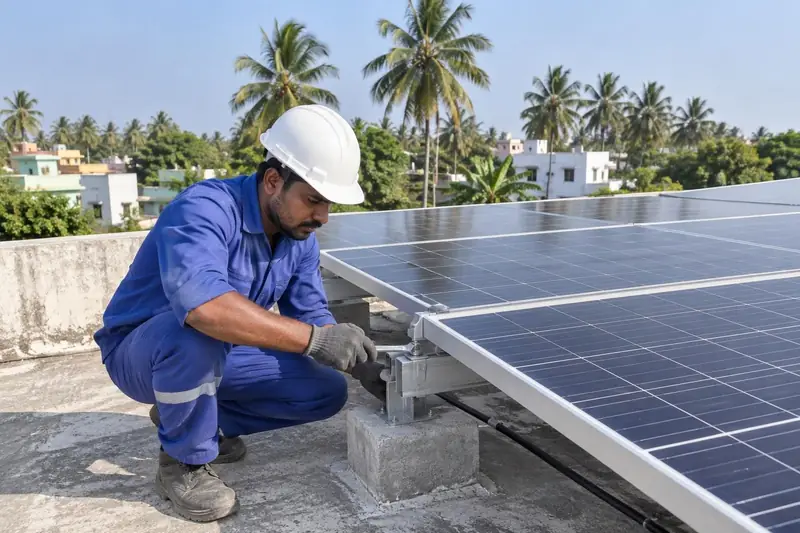
Solar installers
Geotagged photos of the rooftop plant for your records and paperwork.
Capture
Stamp
Share
GPS coordinates, address, date-time and a satellite map on every photo. Built for field work in India. Free, with no ads.
One app
Many styles
Every use case
Pick the layout that fits the job, then switch each field on or off. Swipe the stamp to change templates while you shoot.
For professionals
on ground
Put your company logo and registration ID on every photo, so clients know who did the work.
Markup
Point out
Document on site
Mark exactly what needs attention, right on the photo, before you send it.
Survey
Record
Document with confidence
Survey number, plot area and facing on the same stamp as the GPS location, in the land unit your state uses.
Align
Plan
Construct
See the facing direction live and record it on the photo with its Vastu zone.
Bigger controls
Clearer info
Brighter fields
Designed for real field conditions. Bigger, clearer and easier to use with gloves or in bright sun.
From site
to report
in minutes
Turn a set of stamped photos into a clean A4 report and share it straight from the phone.
Capture
Document
In your language
Use the whole app, including the stamp, in English or eight Indian languages.
Different sites. A stronger India.
Geotagged photos of the rooftop plant for your records and paperwork.

Dated progress photos to share with clients and attach to bills.
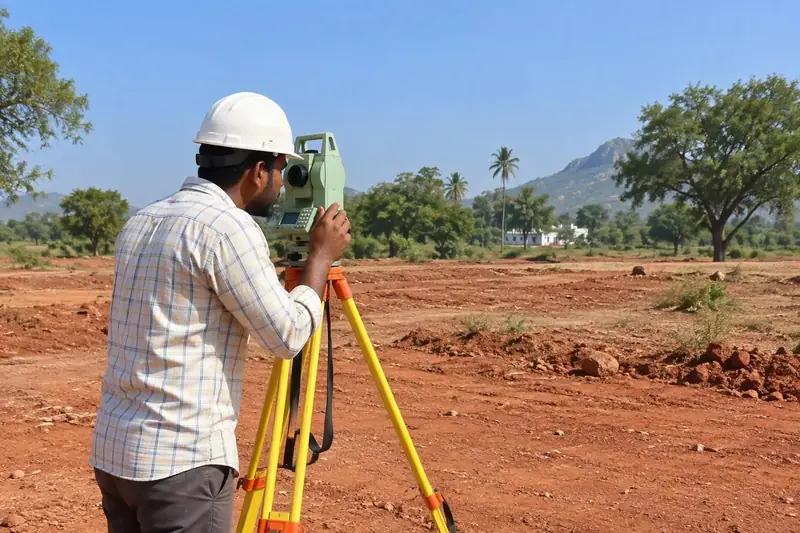
Exact coordinates, survey number and plot area on the photo.
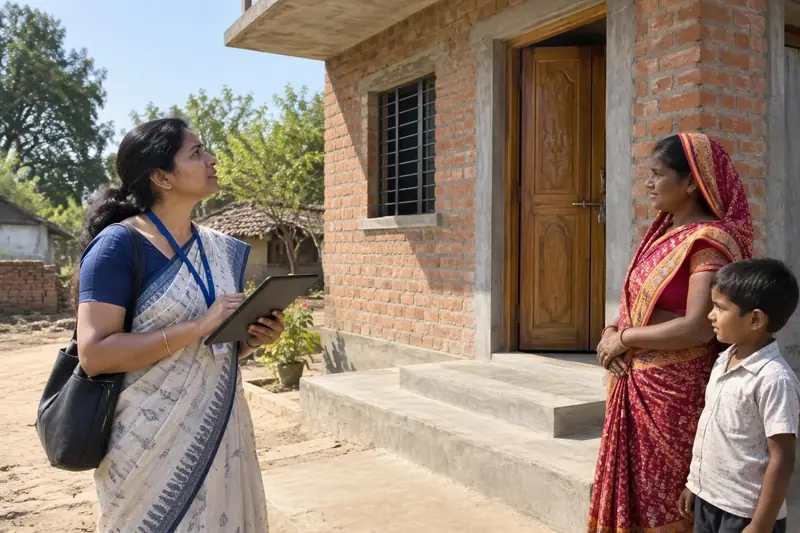
Stage-wise house and works photos with time and place.
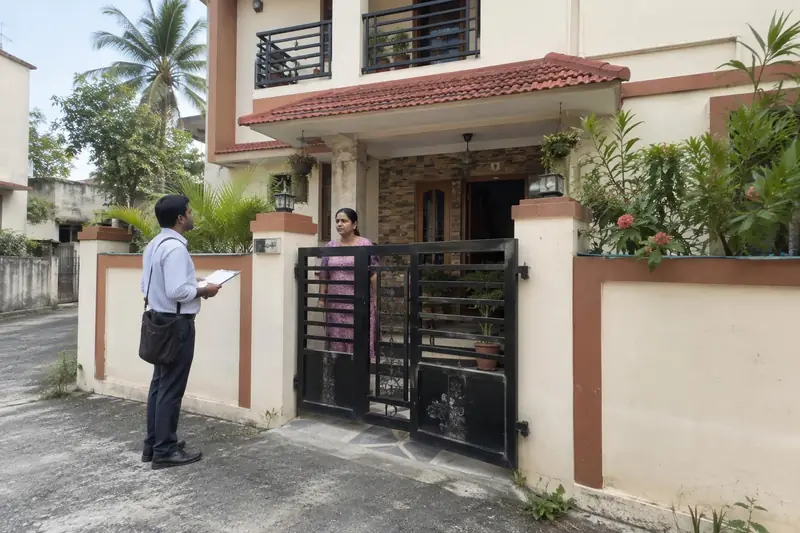
Show the visit happened, where and when.
Free. No ads.
Free ₹0
One-time payment. No renewals.
Pro ₹499
Start free. Upgrade inside the app.
Pro is an in-app purchase through Google Play, tied to your Google account. Prices include applicable taxes; the price shown in Google Play at checkout applies. Refunds follow Google Play's refund policy.
Clear answers. Stronger field work.
GPS coordinates with accuracy, full address, date and time, and a map thumbnail. You can also add altitude, heading, a survey number, plot area, Vastu facing, a project name and a note.
Yes. The camera, GPS stamp, map, all five stamp templates, annotations, survey details, Vastu compass, Senior Mode and all languages are free. Fixlens Pro adds your company logo and PDF site reports.
No. The app shows no banner or pop-up ads.
No. Pro is a one-time in-app purchase through Google Play with no renewals. The price shown in Google Play at checkout, including taxes, applies.
GPS coordinates and time work without internet. The address and map thumbnail need a connection.
Photos are saved on your phone and are not uploaded by Fixlens. Location is used only while the app is open on screen, never in the background. To show an address and map, your coordinates are sent to map and address services. Read the privacy policy.
Yes. Add arrows, circles, rectangles, text and freehand marks in different colours to point out details on site. See photo annotations.
Fixlens prints the location and time your phone reports onto the photo. It does not certify the photo. Whether a photo is accepted is decided by the authority, bank or client receiving it, so check their requirements.
Square feet, square yards (Gaj), Cent, Ground, Guntha, Acre and Bigha, with a survey, Khasra, Khata or Patta number. See the land survey camera.
English, Hindi, Tamil, Telugu, Kannada, Marathi, Gujarati, Bengali and Malayalam.
Many schemes require photos to be uploaded through their own official app or portal, so use those for official submissions. Fixlens is useful for your own records and for sharing with clients. Fixlens is not affiliated with any government scheme.
It works on Android phones with a camera and GPS. Install it from the Google Play Store.